
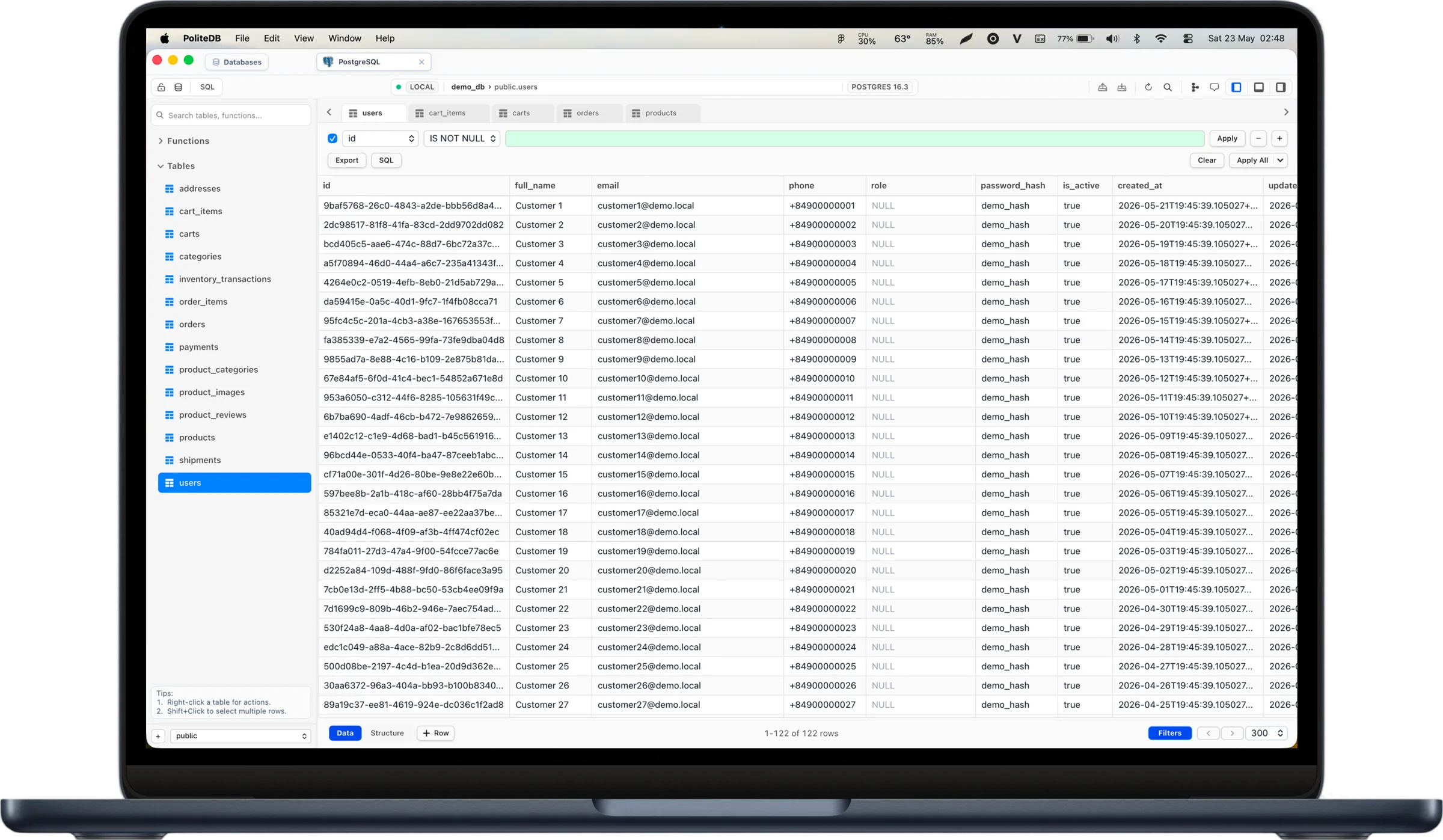
Database clientfor massive datasets
Native SQL workflow, built-in AI assistance, and direct local connections.
Support for PostgreSQL, MySQL, Redis and 11+ databases.
Free to use · No account required · macOS, Windows and Linux

One client for all your databases
11+ supported databases. Keep everything in a single, native-feeling workspace.
PostgreSQL
MariaDB
MySQL
Oracle
Redis
MongoDB
SQLite
PostgreSQL
MariaDB
MySQL
Oracle
Redis
MongoDB
SQLite
SQL Server
DuckDB
Cloudflare D1
Cassandra
Turso
ClickHouse
Google Sheets
SQL Server
DuckDB
Cloudflare D1
Cassandra
Turso
ClickHouse
Google Sheets
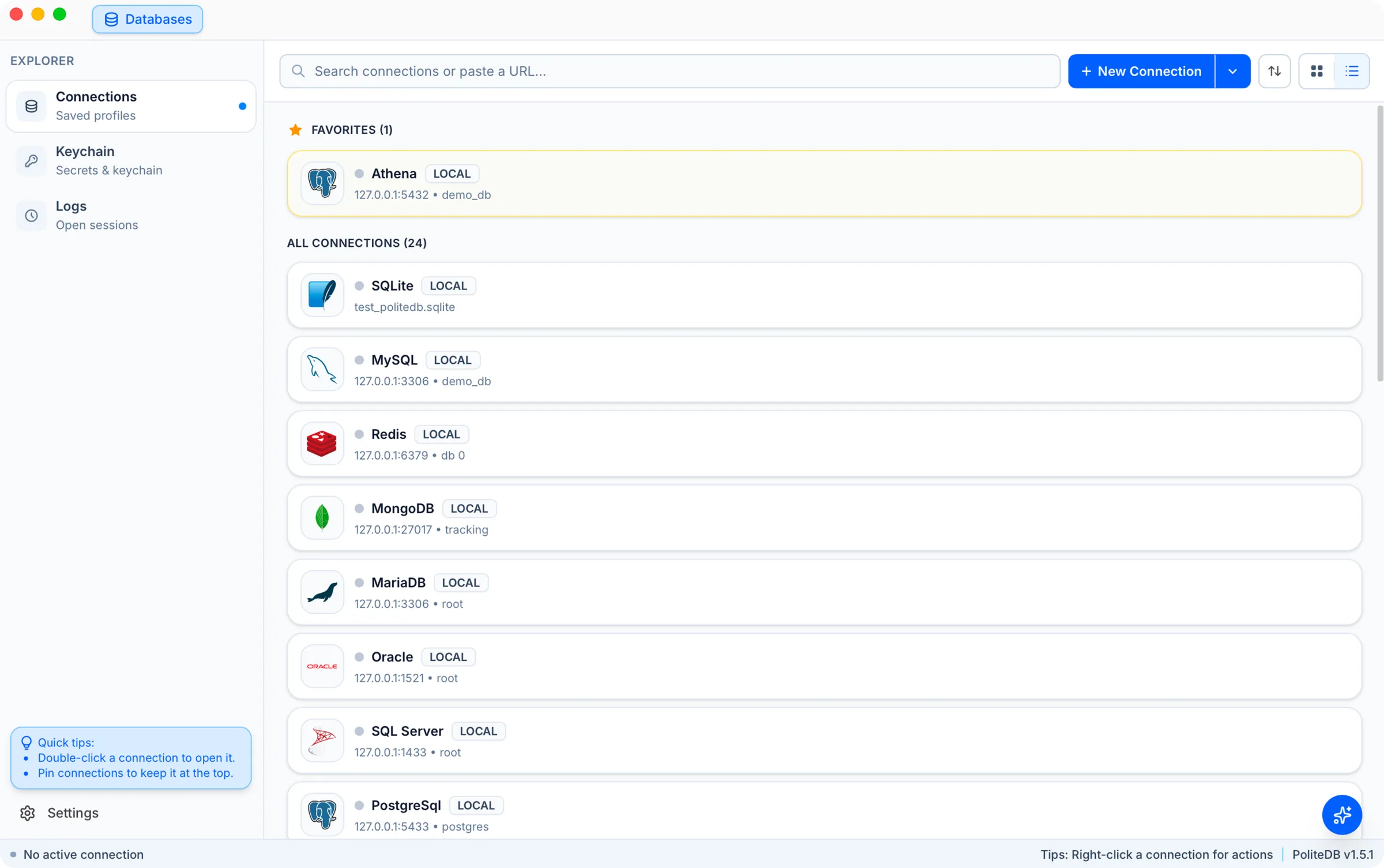
Connections
All your connections, one focused workspace.
Manage every database connection from one workspace. Search saved profiles instantly, pin your favorites for quick access, or paste a connection URL to get started.
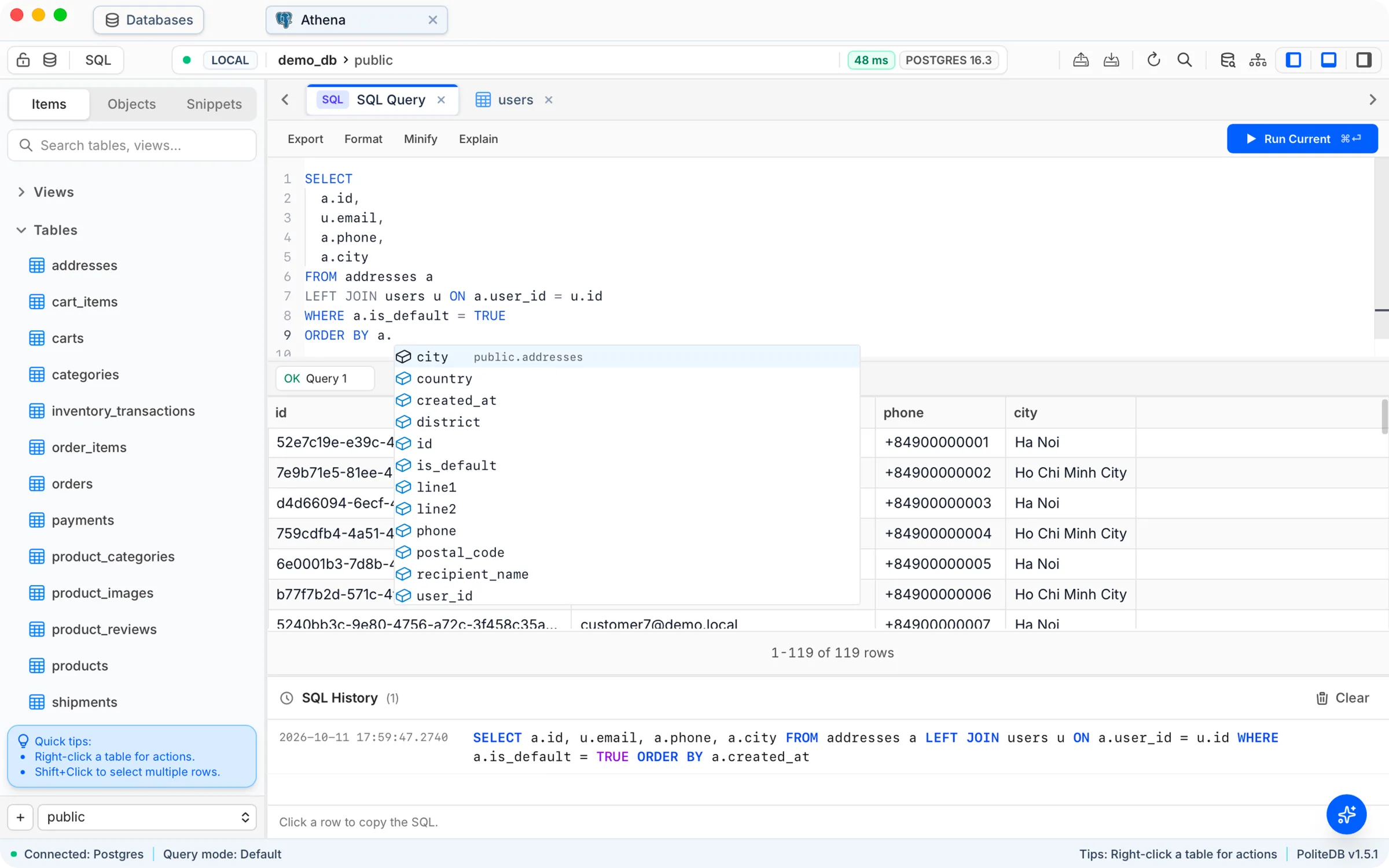
A SQL editor built forreal query work
Write, run, and iterate on queries with instant results, keyboard‑first workflows, and a layout tuned for deep database work.
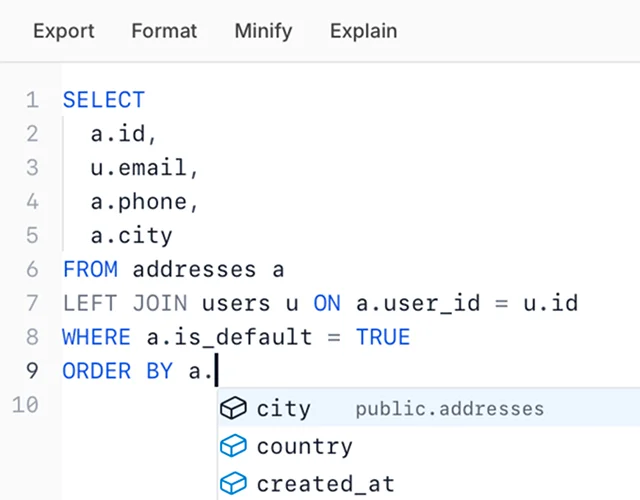
Instant parsing with Tree-sitter
Accurate syntax highlighting and error detection, even in massive queries.
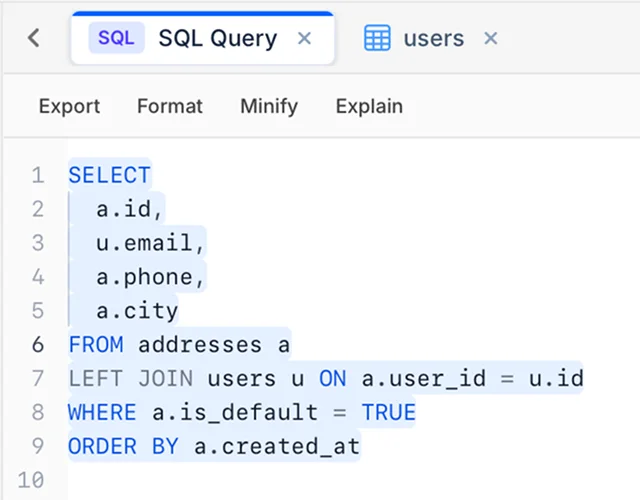
Multi-tab queries
Open many queries, switch fast, and keep your history at your fingertips.
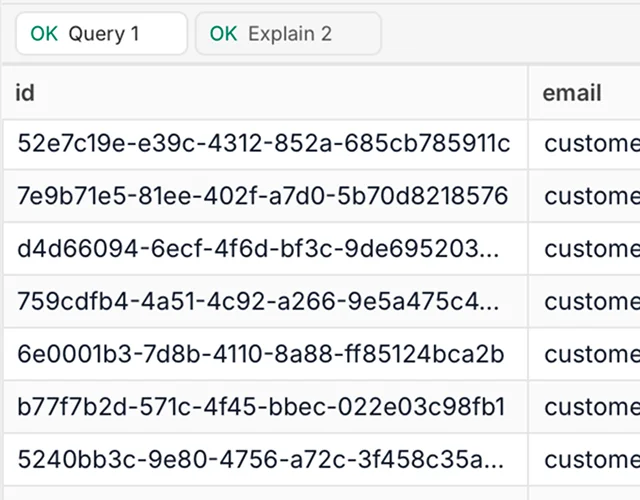
Inline results & explain plans
See results, execution time, and query plans without leaving your flow.
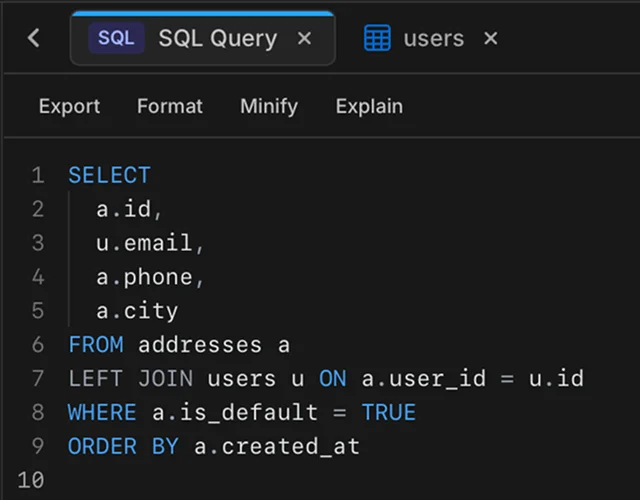
Dark mode support
A clean and distraction-free interface in light or dark mode.
Explore results in apowerful data grid
Every query lands in a responsive grid designed for scanning, sorting, and exporting — so you can move from SQL to insight without switching tools.
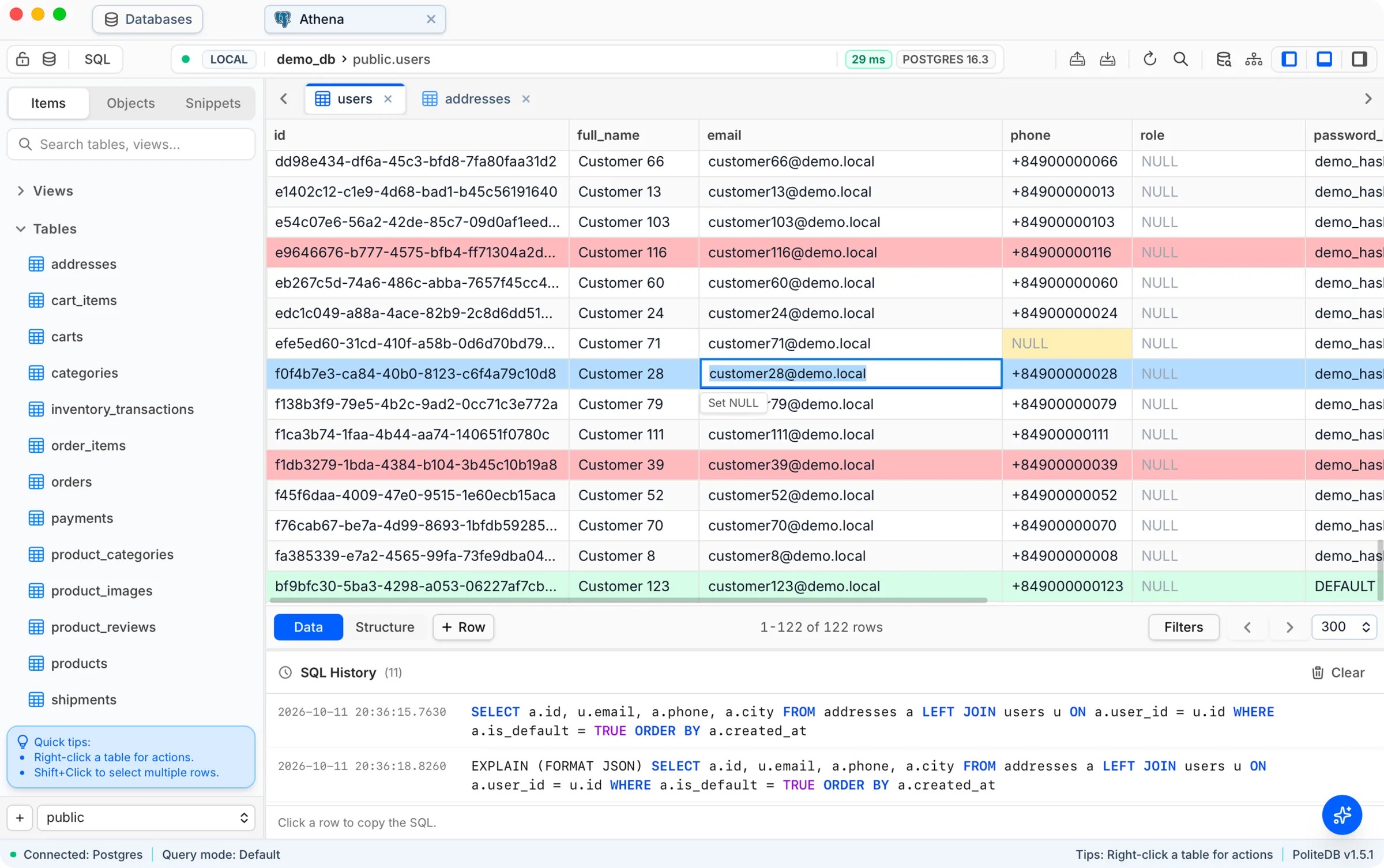
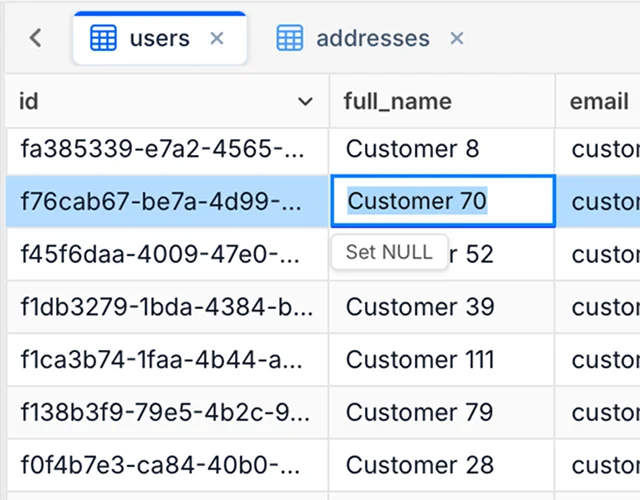
Spreadsheet-style results
Browse query output in a fast, familiar grid built for real datasets.
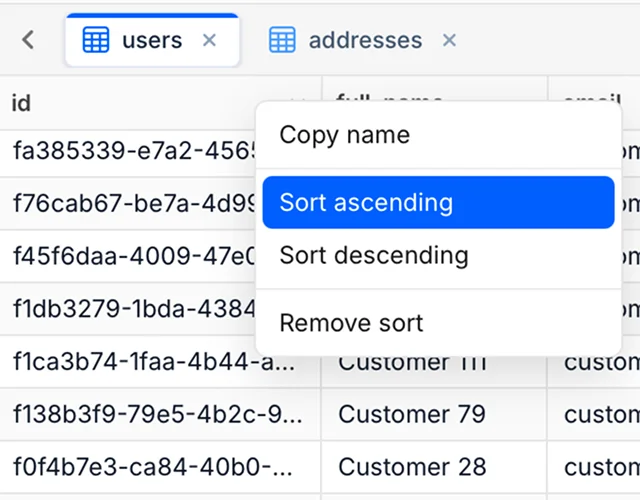
Sort and resize columns
Reorder your view, sort by any column, and adjust widths to fit your data.
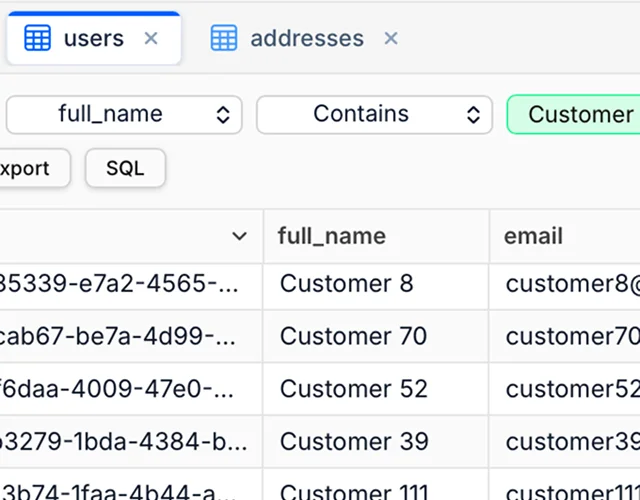
Filter without leaving the grid
Narrow down large result sets inline so you can focus on what matters.
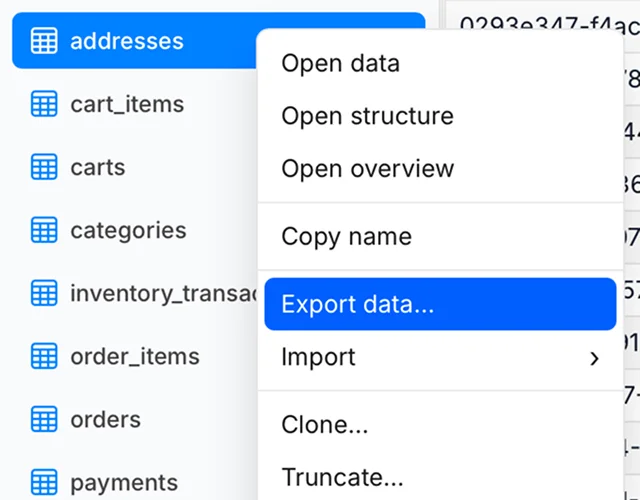
Export when you need to
Take results out of PoliteDB as CSV when you want to share or analyze elsewhere.
Ask anything,in any language
Open the assistant next to your data and describe what you need, in English or any other language. PoliteDB drafts the query from your active schema, explains its assumptions, and leaves the final call to you.
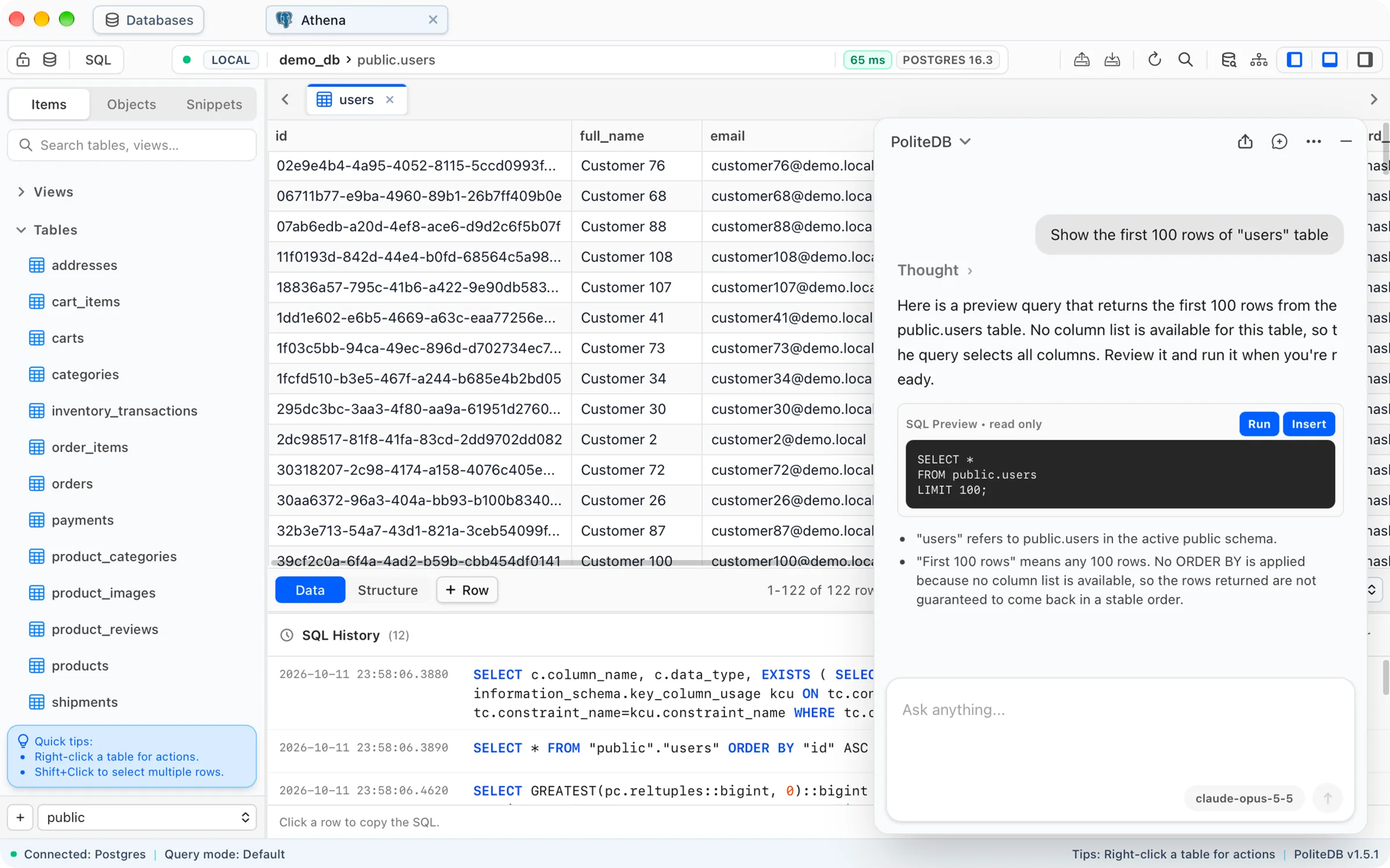
Any language works
Type your request in whatever language you think in.
Aware of your schema
Uses the active connection, schema, and table to resolve names like public.users.
Read-only SQL preview
Every query arrives as a preview. Run it directly or insert it into the editor.
Explains its assumptions
Points out details like a missing ORDER BY, so you know exactly what you'll get.
Credentials stored inyour system keychain
PoliteDB stores database credentials in your operating system's secure storage, so they stay encrypted and protected.
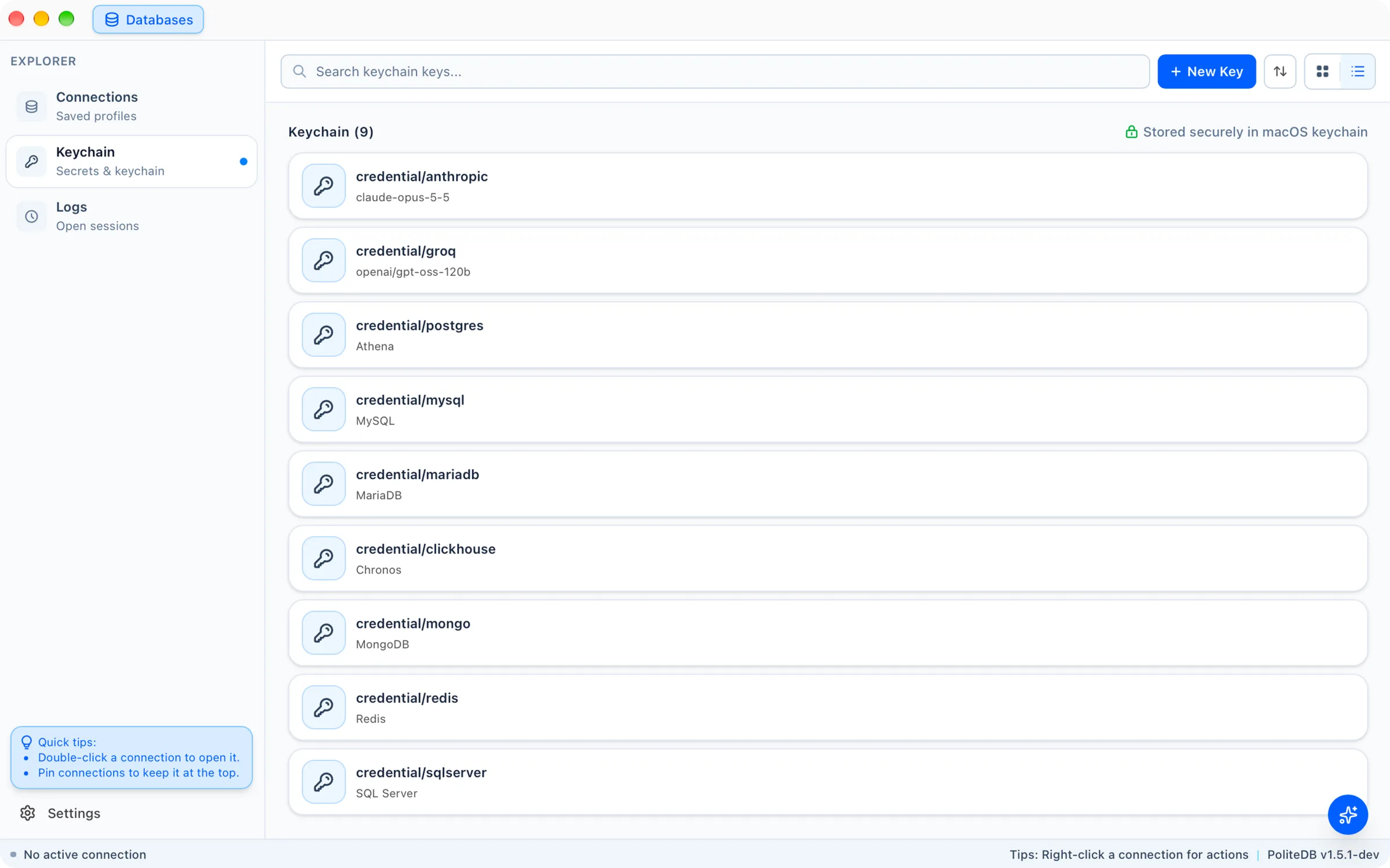
Native secure storage on every OS
macOS Keychain, Windows Credential Manager, and the Linux Secret Service.
Passwords never stored in plain text
Always encrypted with your system's secure storage.
No proxying or phoning home
Your credentials never leave your machine.
Local-first by design
Fast, private access - even offline.
Frequently Asked Questions
A few quick answers about compatibility, security, and how PoliteDB fits into your workflow.
Get Started
Free to use. Upgrade only if you need more.
Download PoliteDB for macOS, Windows or Linux and use it for free.
If PoliteDB fits your daily database work, move to a paid license with updates included.
Pro from $9/year with a few extra features